When it comes to note-taking, many get stuck in the same place: it's great while taking notes, but a pain when organizing them.
Record an hour of audio, and when you go back to review, you have no idea where the key points are. Jot down a few words, and two days later you can't remember what you were talking about. Inspiration strikes quickly, but once you miss it, it's basically gone forever.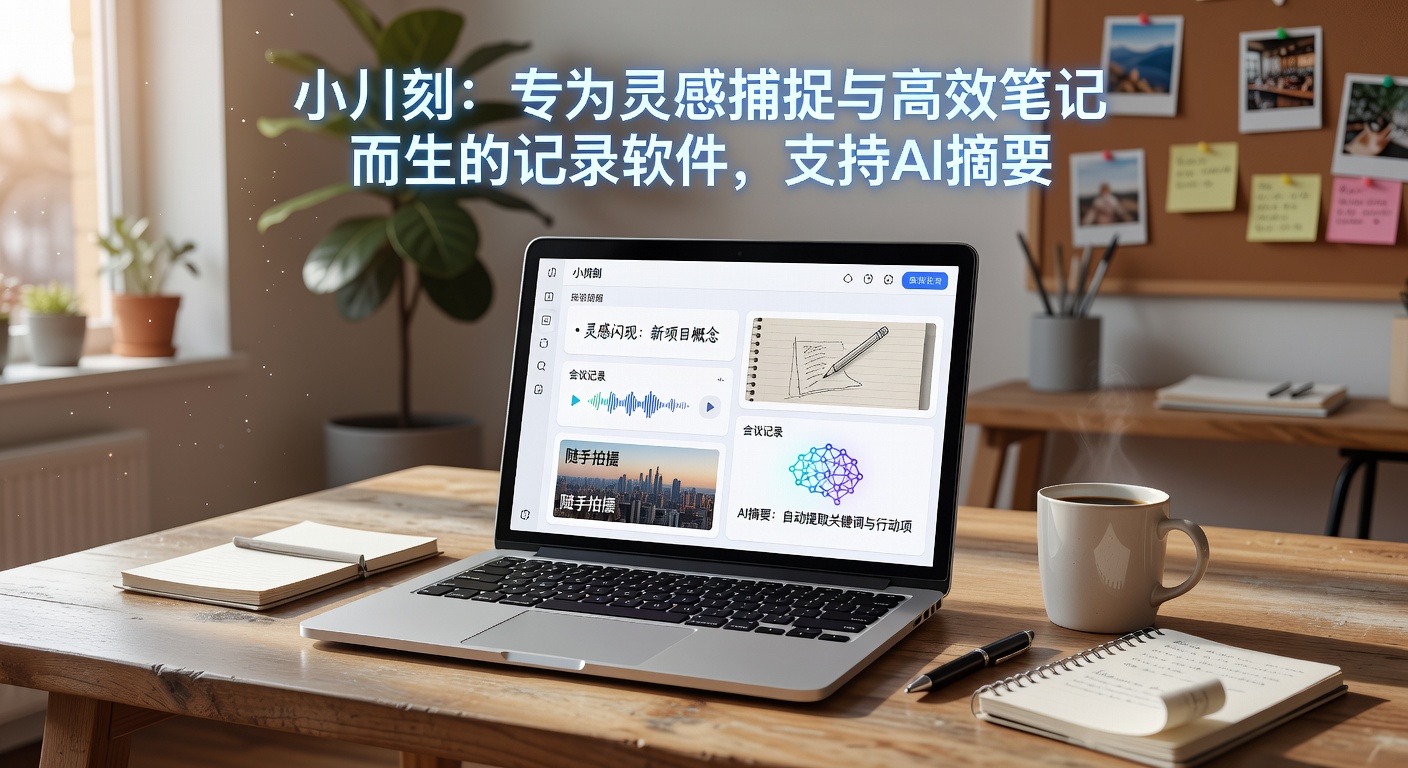
Xiaopianke is designed to solve this gap between "capturing" and "organizing." It's not like Notion with its comprehensive features, nor like Bear with its obsession over layout aesthetics. It's more of an in-between that lets you "record and organize as you go"—the entry barrier for recording is low, while the subsequent sorting, summarizing, and archiving are handled in batches by AI.
I use it to replace the built-in voice memos on my phone. During a meeting, I tap to record, and when it's over, I have the AI generate a summary directly, without having to manually listen to the recording and take notes. The pain point in this scenario is very real: you don't need to create a folder, name a file, or manually add a date—everything happens within the same stream of text.
Another feature that justifies the price for me is its handling of long content. Not just audio—for example, if you paste in a long article, a verbatim transcript of a video, or even excerpts from a book, Xiaopianke's AI summary doesn't just give you a single sentence like 'This article is mainly about...'. Instead, it breaks down several key points logically, each supported by a quote from the original text. For researchers or anyone who needs to quickly skim materials, this is more reliable than most AI summary tools on the market.
Key Considerations in Practical Use
First, its strengths are "quick capture + AI digestion," not "fine formatting + complex knowledge bases." If you need a tool like Roam Research that can build bidirectional links and long-term knowledge networks, Xiaopianke might not be the right fit. Its note structure is more linear, better suited as an "input transfer station" rather than your sole knowledge repository.
Second, the quality of AI summaries depends on the clarity of the original text. If the recording is full of filler, noise, or multiple people speaking at once, the AI-generated summary may sometimes miss key information or misinterpret the main points. This isn't Xiaopianke's fault—it's the current ceiling of AI voice summary technology. My approach: after recording an important meeting, I quickly scan the AI summary. If it's accurate, I archive it directly. If there are obvious errors, I spend 30 seconds manually fixing them, which is usually sufficient.
Additionally, if you're used to handwriting notes on an iPad or phone with a stylus, Xiaopianke's support for handwriting input is currently relatively basic. It is better suited for typing, voice, and pasting text. Those who prefer handwriting or whiteboarding may need to pair it with other tools.
Ultimately, Xiaopianke is suited for very specific scenarios: you're the type of person who gets ideas quickly and prioritizes fast recording, or you frequently attend meetings, lectures, and need to turn long content into readable summaries. It's not ideal for note-taking obsessives, classification freaks, or visual perfectionists who need to format every note flawlessly—you'll find its clean interface lacking.
If you're still struggling with "which tool to use for notes," you might want to first think about what you need to record and how you plan to handle it afterward. Xiaopianke offers a very practical answer: capture first, organize later, and let AI handle the most tedious part. As for whether to take the plunge, I suggest you first use voice to record two meetings, see if the AI summaries can save you that half hour, and then decide.
Comments
Leave a Comment