Inspiration comes quickly, but leaves even faster. Sometimes an idea pops up on the subway, and by the time you pull out your phone, you've already forgotten what it was. What's more annoying is after an hour-long meeting, you've jotted down a screen full of points, but when you look back, the dense paragraphs force you to re-evaluate what the main idea is. So I started looking for a note-taking tool that I could really 'just use' — no need to fiddle with templates, no need to build a second brain, just open it and write, and have it automatically organize things for me after I'm done.
I tried Beanly for a while and found that its approach is indeed different from those feature-stacked apps on the market. It focuses on two things: capturing fast enough, and organizing with minimal mental effort.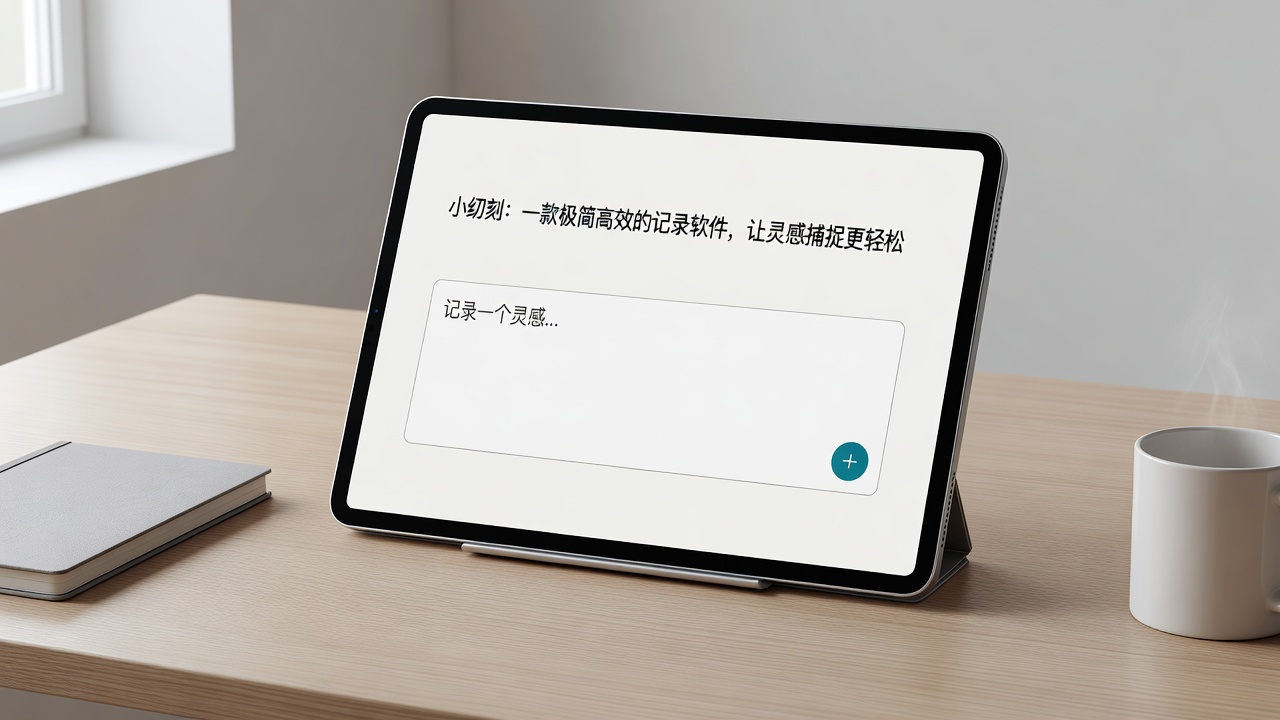
Capturing Inspiration: Opens faster than you can think
I particularly dread note-taking apps that take three seconds to load. Inspiration vanishes in three seconds. Beanly opens almost instantly — it gets that right. The interface is also simple, with no complicated folder or tag systems forcing you to categorize before writing — write first, and leave the categorization to AI or your future self.
I used it for a week, jotting down random thoughts whenever they came up during the day — commuting, lunch breaks, etc. For example, 'Add a comparison table example in next week's content' or 'Change the title of the draft.' If I had saved these in the system's memo app, they would easily get buried. But Beanly feels more like 'toss it in, someone will organize it later.'
AI Notes: Not just a gimmick, it's actually usable
I've tried several note-taking apps with AI features before. Either the generated text was wordy, or the summary swallowed key details. Beanly's summarization feature is relatively restrained. I tested it twice: once with a transcript from a one-hour team brainstorming session — the AI gave three to four key conclusions, along with points of disagreement in the discussion, rather than generic 'key takeaways.' Another time, I copied a passage from a long research paper into it — the AI-generated summary retained the data references and timeline without misrepresenting the core conclusions.
But a word of caution: if you rely heavily on AI to summarize meeting notes, occasionally check the original recording to verify. Sometimes the AI misunderstands the speaker's tone or negations, especially in multi-speaker cross-talk scenarios — its accuracy still has room for improvement.
Classroom & Research Scenarios: Long content becomes short, without losing the process
My takeaway from using it is that the key isn't the AI generating 'conclusions,' but helping you turn messy processes into readable results. For example, after a 40-minute lecture, your notes are scattered, and you only manage to jot down keywords where you can't keep up. After class, using Beanly to convert the audio to text and have the AI organize it, you can get a logically segmented summary in half an hour. No need to re-listen to the recording to find which part corresponds to which slide. This is a must-have for anyone who frequently reviews content.
However, the transcription quality depends on the recording environment. If the back rows of a classroom are noisy, the transcript may contain errors. For important lectures, it's best to record close to the sound source.
Now, the question is: Is it right for you?
If you fall into these categories, Beanly might feel very natural:
- You often jot down fragmented ideas but don't want to organize them into a system.
- After meetings or classes, you need 'results' rather than re-reading raw notes.
- You don't want to spend too much time learning app features — you just want to write and read.
On the other hand, if your note-taking habit involves detailed knowledge management — building your own links, tags, and bidirectional connections — this app may require some patience. Its focus is on 'quick capture + AI sorting,' not 'building a knowledge network.' Also, its text editing capabilities are currently basic. If you're used to inserting lots of tables, flowcharts, or complex formatting into your notes, you might find it too simple.
Overall, Beanly strikes a good balance between 'recording' and 'organizing.' It doesn't overpromise to make you a super-efficient knowledge worker, but at least it saves you from having to manually deduplicate and summarize dozens of notes every few days. For many people, that alone saves a lot of time.
Comments
Leave a Comment