I remember the first time I tried Tidenote. It was after a particularly brutal sprint review—notes scattered across three tools, a migraine forming behind my left eye, and the sinking feeling I'd missed something critical. That moment, I wasn't looking for a summarizer. I was looking for a way out of the sorting cycle.
Every developer I know juggles some version of this: meetings about code, research into new stacks, trying to keep the side project alive, and somehow not ignoring the people who matter. The sorting isn't just about tasks—it's about mental energy. Tidenode doesn't promise to fix your life, but it does cut the friction between "I heard something useful" and "I can use it later."
How I actually use it: two real scenarios
Scenario one: architecture review meetings. Half the room is rubberducking, someone draws a whiteboard diagram that gets erased before you blink, and you're supposed to capture rationale. I now drop the meeting audio into Tidenote (with consent, obviously). The output isn't a perfect transcript—thankfully, because nobody reads those. It's a structured summary with key decisions, open questions, and action items. That alone saved me about 20 minutes per meeting, time I used to actually think about the decisions rather than chase notes.
Scenario two: researching a new framework. I was evaluating Rust for a backend rewrite. Multiple docs, competing opinions, scattered blog posts. Tidenote's web clipper let me collect chunks and then ask it to compare the tradeoffs. The summary wasn't deep enough to replace hands-on experimentation—but it gave me a damn good map of the terrain. I ended up deciding on Rust after two weeks of focused reading instead of four.
The tradeoff is real though: AI summaries flatten nuance. In scenario one, I still had to replay one heated exchange because the tone didn't come through. In scenario two, the summarizer sometimes over‑weighted recent blog posts over stable docs. You learn to treat the output as a starting point, not the final word.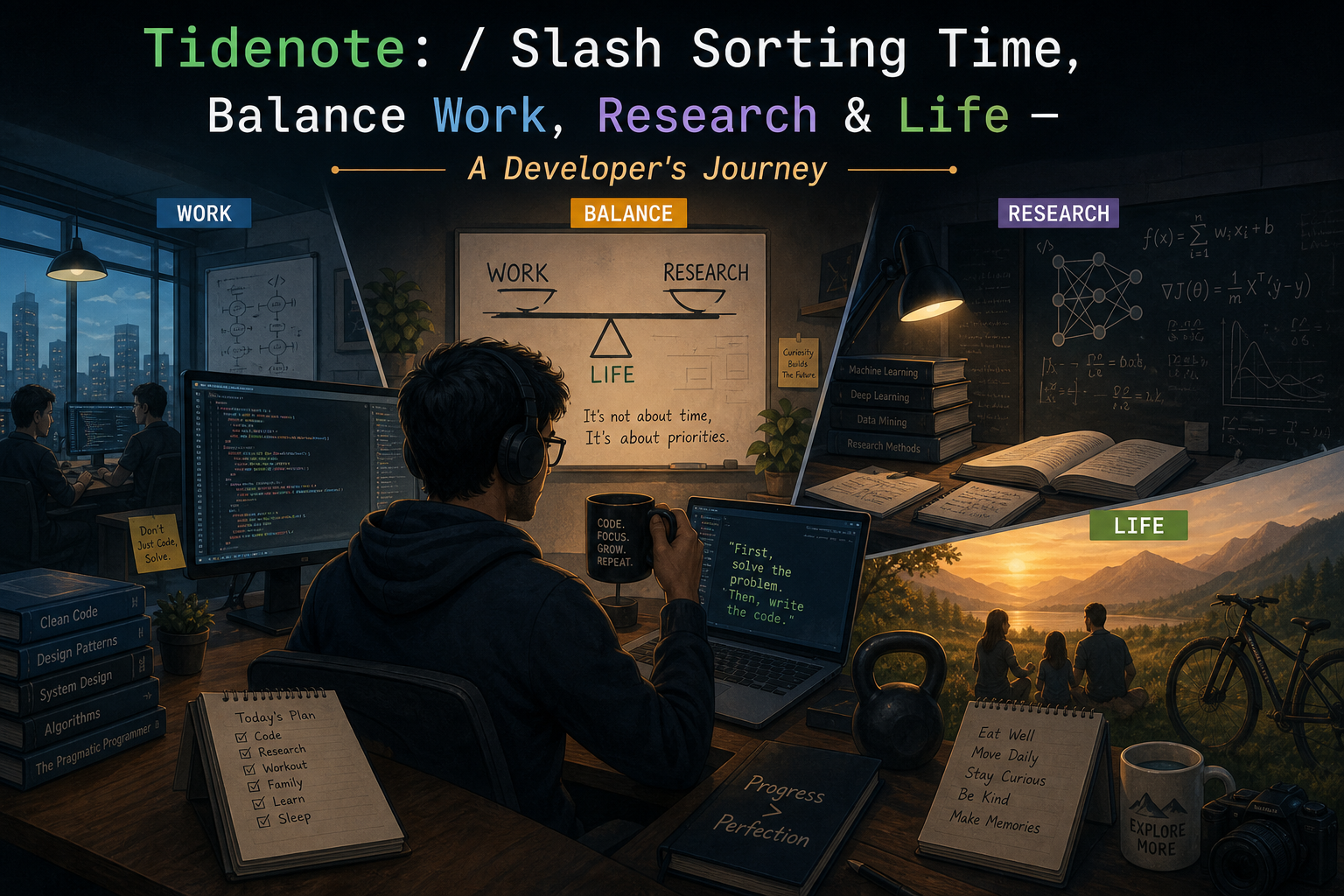
Where it fits (and where it doesn't)
Tidenote clicks if you're drowning in input: lots of meetings, classes, research papers, or long documentation. Developers who wear multiple hats—founders, team leads, part‑time researchers—will get the most out of it. But if your work is highly collaborative in real time (pair programming, mob reviews), the tool is better for post‑processing than live use. It also struggles with code‑specific context. Don't expect it to interpret a whiteboard diagram or a complex data flow from a voice recording.
For my own balance, the biggest win was psychological. Knowing I had a reliable "second brain" for meetings meant I could engage more during the discussion and less during the notes. That's a small thing that compounds. My evenings stopped feeling like I was still catching up on what happened at 10 a.m.
In the end, Tidenote doesn't eliminate the sorting—it slashes the sorting time. The rest is up to you. And honestly, that's exactly the right tradeoff for a developer who values control.
Comments
Leave a Comment