I’d been frantically taking notes during meetings, only to find later that I couldn’t understand what I wrote—this has been my struggle for at least five years.
I’ve tried three or four note-taking apps, voice recorders, and even opening a blank document and typing furiously during meetings. But the problem wasn’t a lack of tools—it was that juggling three things in my head at once was exhausting: understanding what the other person was saying, deciding what was worth noting, and typing it out quickly. So most of the time, I either wrote down useless stuff or missed the key points.
Recently, I tried an app called Tidenote, which claims to use AI to help with notes and summaries. Honestly, I didn’t have high expectations at first—I’d tried several "AI note" tools before. Some produced raw transcriptions that were just blocks of text, more exhausting to read than the meeting itself. Others generated summaries that looked decent but said nothing substantial upon closer inspection.
How It Works
Tidenote’s core logic is straightforward: you feed it meeting recordings, lecture recordings, or your own spoken ideas, and it automatically transcribes them into text. Then, AI extracts summaries and organizes key points for you.
The process is simple. Open the app, start recording or import an existing audio file, wait for it to process, and you get three things: the full transcription, a structured summary, and key information points (like to-dos, decisions, questions, etc.).
I tested it three times: a 45-minute team weekly meeting recording, an online open class about an hour long, and a chaotic recording of my research ideas while walking.
Observations from Three Tests
Let’s start with the team meeting. The pace was fast, with four people taking turns speaking and occasionally interrupting each other. Tidenote’s transcription accuracy was decent—it only messed up a few technical terms and one person’s name. What surprised me most was the summary: instead of just "averaging out" the meeting content, it captured the core disagreement during the most heated 10-minute discussion and singled out the two decisions made. Honestly, that judgment was more reliable than my own notes taken during the meeting.
The online open class was different. The instructor spoke slowly and repeated content later. Tidenote’s summary removed the redundancy, preserving the course framework and two or three key concepts. Later, I cross-checked the summary against the transcription and realized AI has more patience for deduplication than humans—if I had summarized manually, I might have deleted important background out of impatience.
The most interesting test was the third one. I recorded a bunch of random ideas while walking—full of filler words, logical leaps, and contradictions. Tidenote transcribed the audio and gave me a summary. When I saw it, I paused—it had organized my messy thoughts into a rough framework. It wasn’t the full picture in my head, but it helped me see what I was thinking. This use case felt more valuable than meeting notes.
Is It Worth It? A Practical Weigh-in
First, the pros. The most obvious: time savings. Before, a 45-minute meeting meant at least 30 minutes of note-organizing afterward. Now, I toss the recording in, get results in a couple of minutes, and the summary is structured enough to use directly.
But there are a few things to watch out for.
First, don’t fully trust its speaker identification. Especially in multi-person discussions, Tidenote occasionally mixes up who said what—particularly when speech rates are similar or people talk over each other. If you need precise speaker attribution, it’s best to cross-check with the original transcript.
Second, the summary’s "taste" isn’t yours. What AI deems important and what you care about aren’t always the same. In one of my three tests, the summary highlighted an example I thought was secondary, while pushing the core rule I wanted to remember to the back. I recommend using the summary as a reference skeleton, then quickly skim through and adjust the focus.
Third, speech recognition in Chinese. Most people have accents, filler words, repetitions, and interjections. Tidenote handled this better than I expected, but if you speak with a dialect, very fast, or with lots of technical jargon, accuracy drops. The open class went great because the instructor spoke standard Mandarin, but a test with a friend from Hunan on a call yielded noticeably worse results.
Also, there’s an adaptation cost. It took me a few days to get used to the "record—wait for results—read the summary" workflow instead of typing furiously while listening. If you’re like me and used to manual note-taking, you’ll feel uneasy at first, fearing the AI missed something—that unease takes time to overcome.
Overall, Tidenote’s most useful function for me isn’t replacing my note-taking, but reducing the physical effort of recording and freeing up attention for real thinking. Those "waste notes" that I used to jot down and never use? Now at least I get something usable out of them. For me, that’s enough.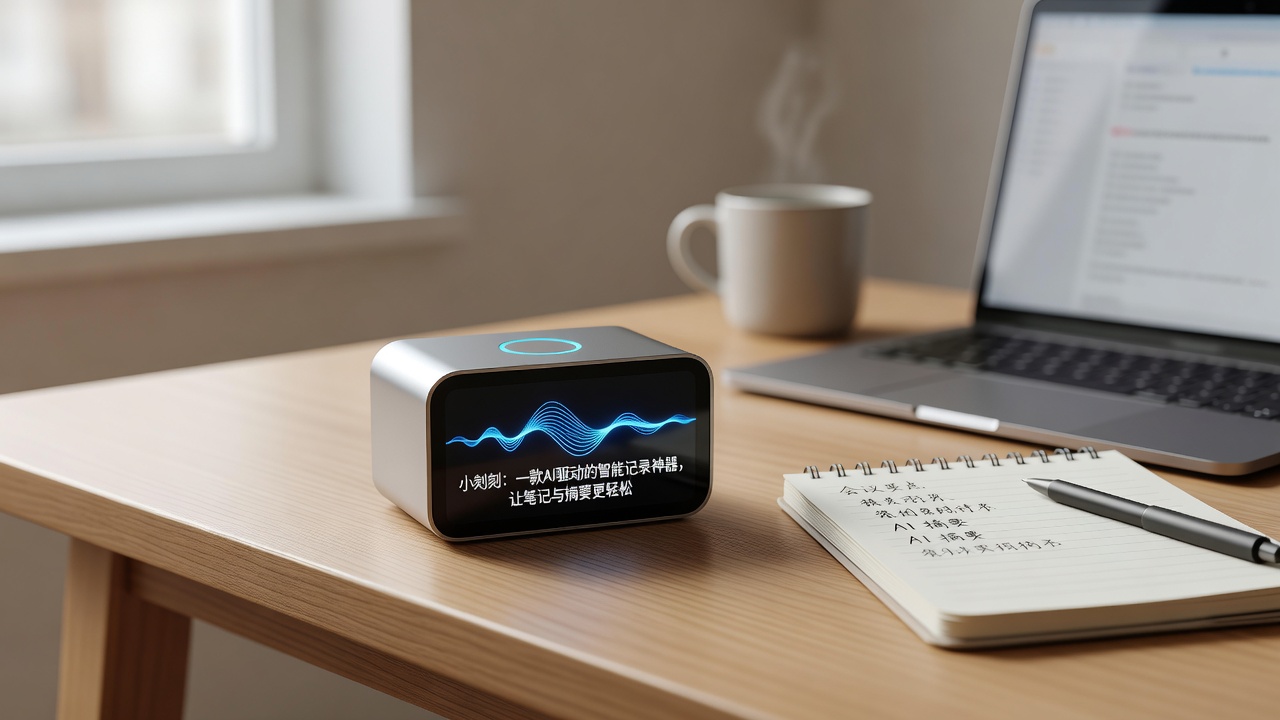
Comments
Leave a Comment