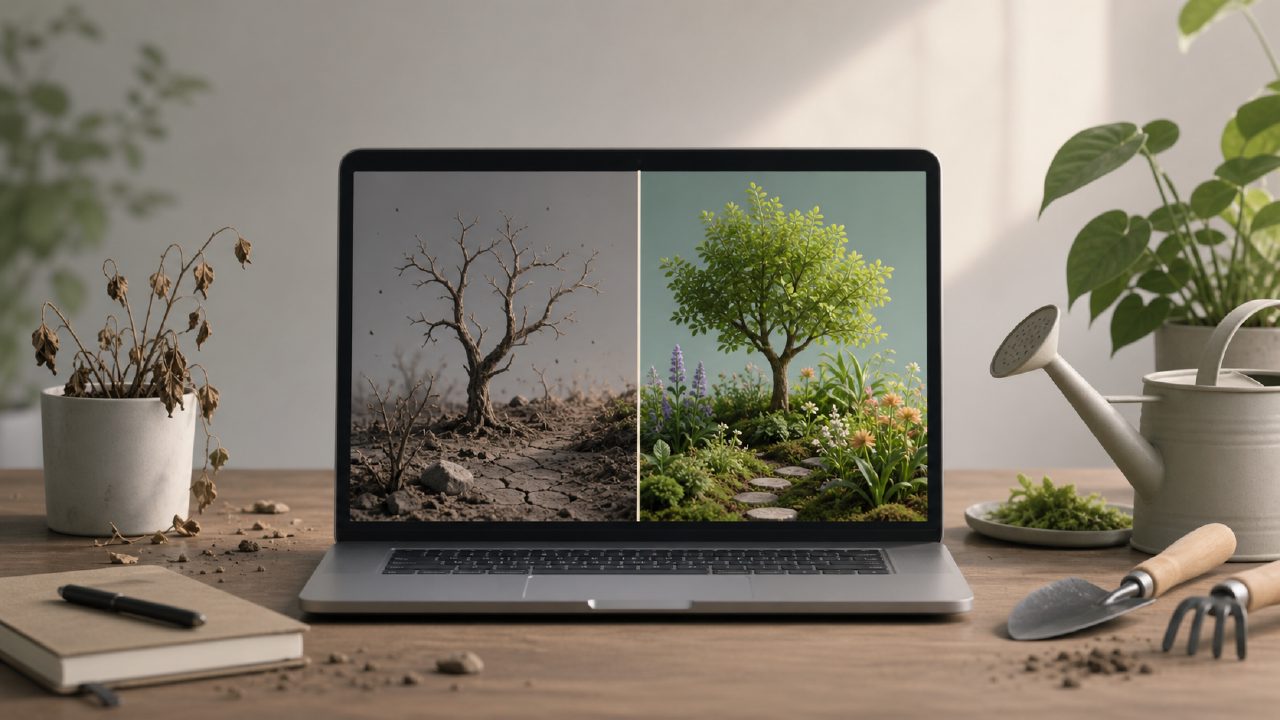
You decide to start a digital garden. You’ve seen the beautiful ones—linked ideas, growing notes, that sense of a second brain. So you grab the first tool you see, or the one everyone recommends, and start dumping everything in. Then, three weeks later, it’s a chaotic pile of half-written thoughts and empty links. You feel stuck.
I’ve been there. After trying a handful of setups—including some built around beanly and a few stints with tidenote—I realized most people fail not because they lack discipline, but because they misunderstand what a digital garden creator should actually do. Here are the pitfalls I kept hitting, and a couple of caveats that might save you the same frustration.
Pitfall #1: Confusing note-taking with gardening
The biggest mistake is treating your garden like a dump for every piece of information. A digital garden creator isn’t a bottomless inbox. It’s a place to grow ideas. If you’re just capturing raw notes from meetings or research without shaping them, you’re building a landfill, not a garden.
I started by importing everything from a free AI note-taking app into my garden. It seemed efficient. But quickly I had hundreds of atomic Notes that said things like “meeting 10am – discuss budget” next to “why moss grows on north sides of trees.” No connection, no curation. The app didn’t help—it just stored. I had to manually prune and link, which I didn’t have the patience for.
So before you commit to a digital garden creator, ask yourself: will it force you to review and revise, or just collect? If it’s the latter, you’ll need a separate habit—or a different tool.
Pitfall #2: Obsessing over the perfect linking system
You see those beautiful bidirectional link maps and think you need that. I spent two weeks configuring backlinks, tags, and graph views. And you know what? I barely used them. Most of my “connections” were superficial—just because two notes contained the same word doesn’t mean they belong together.
Real linking needs Anchor Text that means something. For example, instead of linking “productivity” to every note about time management, I started using phrases like “the attention fragmentation problem” as my anchor. That forced me to think about the actual relationship. A good digital garden creator lets you customize anchor text easily—if it doesn’t, that’s a red flag.
Also, not every note needs a link. Some should just sit in your Journal and never be touched again. Give yourself permission to leave loose ends.
Pitfall #3: Ignoring the long-term cost of your tool
Here’s a gotcha: many tools look free upfront but lock you in through proprietary formats or limited exports. I tried 小片刻 (xiaopianke, which means “little moments”) for a while. Lovely interface, really calming. But when I wanted to move my garden to a more portable setup, I discovered the export was a mess of broken links and plain text with no structure. I had to rebuild manually.
If you’re serious about growing a garden over years, pick a digital garden creator that supports open formats (Markdown, plain text, or well-structured HTML). Test the export before you plant anything. Also, check if the tool is actively maintained. I’ve seen promising projects go dormant, leaving users stranded.
Pitfall #4: Over-relying on AI summaries
You see ads for the best free AI note taking app 2026 and think “great, I’ll get AI to summarize everything and just paste them into my garden.” Bad idea. AI summaries from apps like tidenote can be useful for quick capture, but they rarely capture nuance. I fed a 45-minute research talk into tidenote, got a nice paragraph summary, and linked it to my garden. A month later I re-read it and realized the summary had completely missed the speaker’s central counterargument. My garden now contained a misleading node.
If you use AI, treat its output as raw material—never as the final planted note. Always edit and reflect. That reflection is what turns a collection into a garden.
Pitfall #5: Trying to make it perfect before you start
Perfectionism is the enemy of a growing garden. I know someone who spent six months designing a folder structure, tag taxonomy, and CSS theme—then never wrote a single note. The garden was a beautiful empty lot.
A digital garden creator should let you start messy. You can curate later. If a tool makes you design the layout before you can write, that’s a warning sign. The best gardens grow organically, like actual plants. They start with a seed of an idea—maybe from your Notes, maybe from a Journal entry—and only later get pruned and linked.
So what actually works?
After stumbling through a few tools and methodologies, here’s what I’ve found: a good digital garden creator is one that gets out of your way, supports plain text, and makes linking easy without pressuring you to link everything. It’s not about the fanciest graph or the best AI. It’s about a habit of revisiting and connecting.
I still use tidenote for quick captures—it’s one of the better free AI note-taking apps out there. But I don’t let its summaries go straight into my garden. I treat them like rough stones that need polishing. And when I need a simpler, more intentional space, I sometimes open beanly for a different kind of note-taking rhythm.
The real test: after six months, do you want to read what you wrote? If not, you’re probably gardening wrong.
Comments
Leave a Comment