Meetings take half an hour, but organizing notes takes an hour. Download classroom recordings, then spend two hours listening back to find the main thread. This is the direct reason why many people give up note-taking and just take a quick photo of the PPT with their phone. It's not that they don't want to take notes, but traditional note-taking methods simply can't keep up with information overload.
After trying several AI note-taking tools, the comment "tidenote is really useful" appeared many times. It's not just a speech-to-text tool; it truly solves the problem of "what to do after listening."
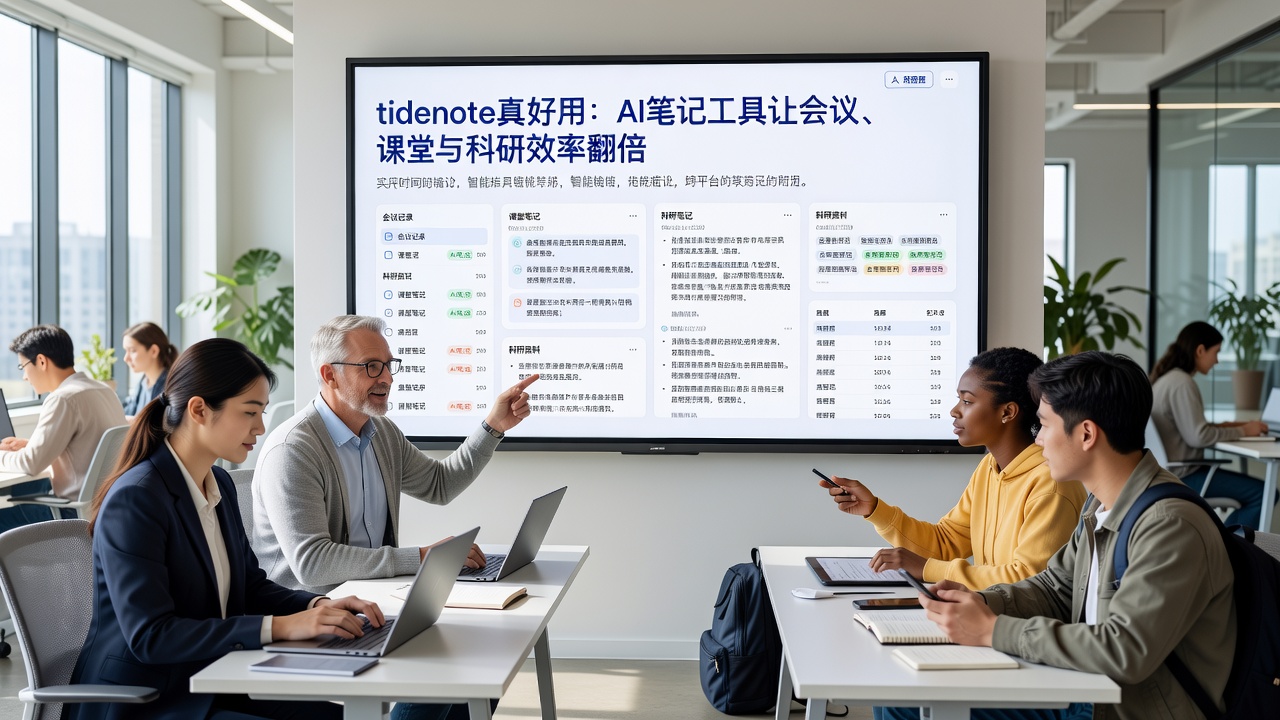
Understand in three minutes — not a quick note, but on-site organization
tidenote's processing logic is different from others. Most competitors first convert all content into text, then let you find the key points yourself. tidenote performs semantic segmentation while recording, and generates structured notes within seconds after a meeting or class ends: discussion points, action items, and questions are automatically categorized.
In my most recent team weekly meeting (5 people, 45 minutes), after the recording ended, I opened the notes and found that it had separated "Client A communication strategy adjustment" and "Q2 budget allocation" into two independent blocks, each with decision summaries and next steps. I did no post-processing and directly shared it with an absent colleague, who said, "It's as clear as if I were there."
Three real scenarios — where it works well
Daily meetings: I used to frantically type conclusions during meetings, but missed things when speakers talked fast. Now I only occasionally jot down one or two keywords to avoid zoning out, and leave the rest to tidenote. After the meeting, I spend two minutes scanning the AI-generated action list and adjust any discrepancies directly.
Classrooms or lectures: STEM teachers use blackboard and explanations, sometimes audio quality is poor. tidenote's summaries don't rely on perfect transcription; they capture core concepts based on semantics. Last week in a signal processing class, I specifically compared my handwritten notes (which were quite complete at the time), and the AI summary was about 80-90% accurate. What it missed was a minor proof detail that the teacher added casually. For review, I found that detail in the textbook after class, so no loss.
Research literature discussions: In group meetings, each person presents a paper, with extremely high information density. tidenote can extract each person's questions and answers separately, and even automatically associate them with the corresponding paper title (if present in the PPT). This is much more convenient than using meeting recordings and manual tagging.
Don't blindly follow trends — who it's more suitable for
tidenote is not a panacea. If your work environment is highly interactive and requires a lot of impromptu brainstorming in a very small team (fewer than 3 people), the AI-generated summary might erase some fleeting, fragmented insights. In that case, the original recording is more valuable.
Additionally, it has basic requirements for audio quality: too much background noise (e.g., multiple people talking simultaneously in an open-plan office) degrades semantic segmentation. I once tried a playback of an online meeting from a coffee shop; there was a lot of same-frequency noise, and the final summary included an irrelevant "coffee shop music discussion."
If you are a teacher, researcher, project manager, or anyone who frequently needs to extract structured information from spoken content, tidenote is worth trying for three days. If you don't like it, you can cancel (the free trial is easy to find).
Stop wasting time on manual note-taking and post-processing. When it comes to digesting information, AI can already handle the most tedious parts for you.
Comments
Leave a Comment