Ever sat through a 45-minute meeting that could've been a 15-minute email? Worse – you actually needed to take notes, but by the time you typed the third action item, the speaker was already deep in next quarter's budget. That's the exact pain point that drove me to try tidenote, and honestly, it's been a small but real shift in how I handle meetings.
What tidenote actually does (and why it shortcuts the "oh-wait" problem)
Instead of recording the entire conversation and later digging through a transcript, tidenote gives you a live summary as you go. In a recent 30-minute team sync, I just opened the app, hit "record," and let it run. By the time the host said "that's all for today," tidenote already had a clean list of decisions, assigned tasks, and even flagged a question I forgot to ask. That alone saved me about 20 minutes of re-listening and formatting notes after the call.
It works the same way for classes and research sessions. I used it during a guest lecture on data ethics – the speaker jumped around between slides and Q&A, but tidenote kept the thread. The output wasn't perfect (more on that below), but it gave me a skeleton I could flesh out in 5 minutes, compared to the 15-20 minutes I'd normally spend replaying the recording.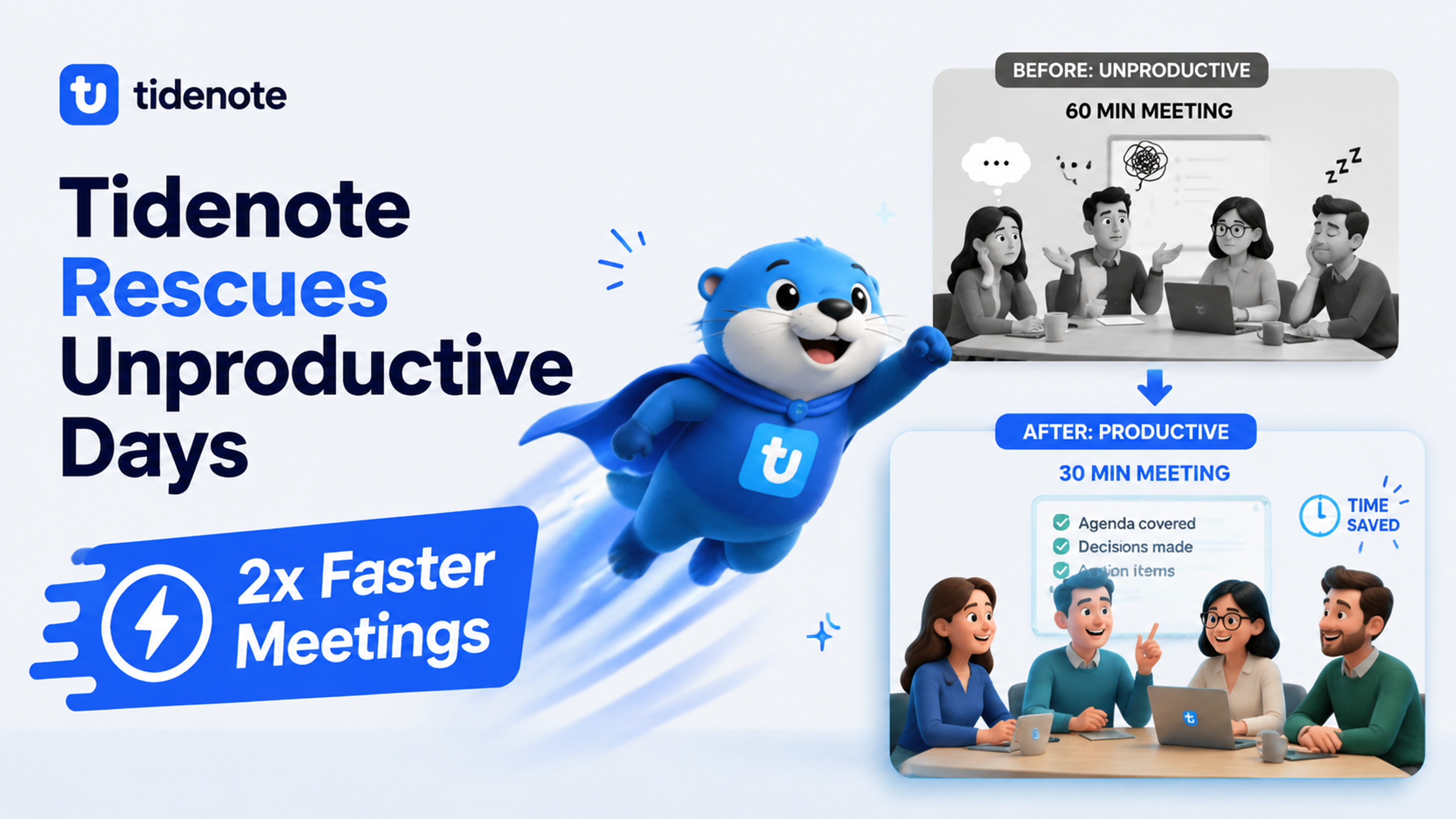
One concrete example that sold me
I had a product feedback session with three stakeholders. Normally I'd be frantically typing, missing context, and asking to repeat points. With tidenote, I was able to stay present in the conversation. The app captured who said what and surfaced the main requests. After the call, I sent out a summary to the group in under 60 seconds. That's a tangible productivity gain – and it's repeatable.
Where tidenote still has rough edges
Let's be honest with the tradeoffs. First, accuracy depends heavily on audio quality. In a noisy coworking space or when someone talks from the back of the room, the recognition drops. You'll get some garbled sentences that need manual correction. Second, it's not great at handling heavy jargon or acronyms without some training. I'm in tech, and terms like "CI/CD pipeline" sometimes get transcribed as "see eye see pipeline" – you'll need to edit those.
Also, relying on AI notes can make you mentally lazier. I noticed I stopped synthesizing during meetings because I trusted the app to do it. That's fine for routine calls, but for creative brainstorming, I still prefer my own focused listening. So don't treat tidenote as a complete replacement for your brain – treat it as a good assistant that handles the boring part.
Who should try it (and who probably shouldn't)
If you attend 5+ meetings a week where you're expected to produce follow-up notes, tidenote is almost a no-brainer. Same goes for students who want to pay more attention in lectures instead of scribbling. But if your meetings are mostly informal chats, or if you work in a field with extremely niche vocabulary (say, legal or medical specialties), test it first on a low-stakes call. The time saved might be smaller if you spend 10 minutes fixing every output.
Overall, tidenote doesn't pretend to replace deep thinking – it just rescues those unproductive note-taking minutes and hands them back to you. For someone like me who tracks dozens of calls monthly, that's a win.
Comments
Leave a Comment