You sit through a 45-minute meeting or a dense research lecture, jot down what feels like important points, and an hour later you're digging through a mess of highlights and half-sentences trying to reconstruct the takeaway. That friction—turning raw input into usable notes—is the exact problem Tidenote sets out to solve.
Tidenote markets itself as the note-taking tool for 2026, and the pitch is straightforward: capture ideas quickly, get AI-generated summaries, and keep everything organized without spending twenty minutes tidying up afterward. After testing it with a few real-world scenarios, here's what actually works and where it falls short.
What Tidenote does differently
Most note apps give you a blank canvas and assume you'll figure out the structure. Tidenote leans heavily on AI to do the structuring for you. You can dump in raw meeting transcripts, paste a chunk of a research paper, or even type fragmented thoughts during a class. The tool then suggests a clean summary, extracts key points, and lets you organize those into categories or tags.
In practice, this means less time staring at a chaotic page after a busy session. I used it for a weekly team standup—ten minutes of rapid updates. Instead of reviewing the whole audio recording, I pasted the transcript and got a one-paragraph summary that caught the action items I'd missed while typing. That alone saved me five minutes of re-reading.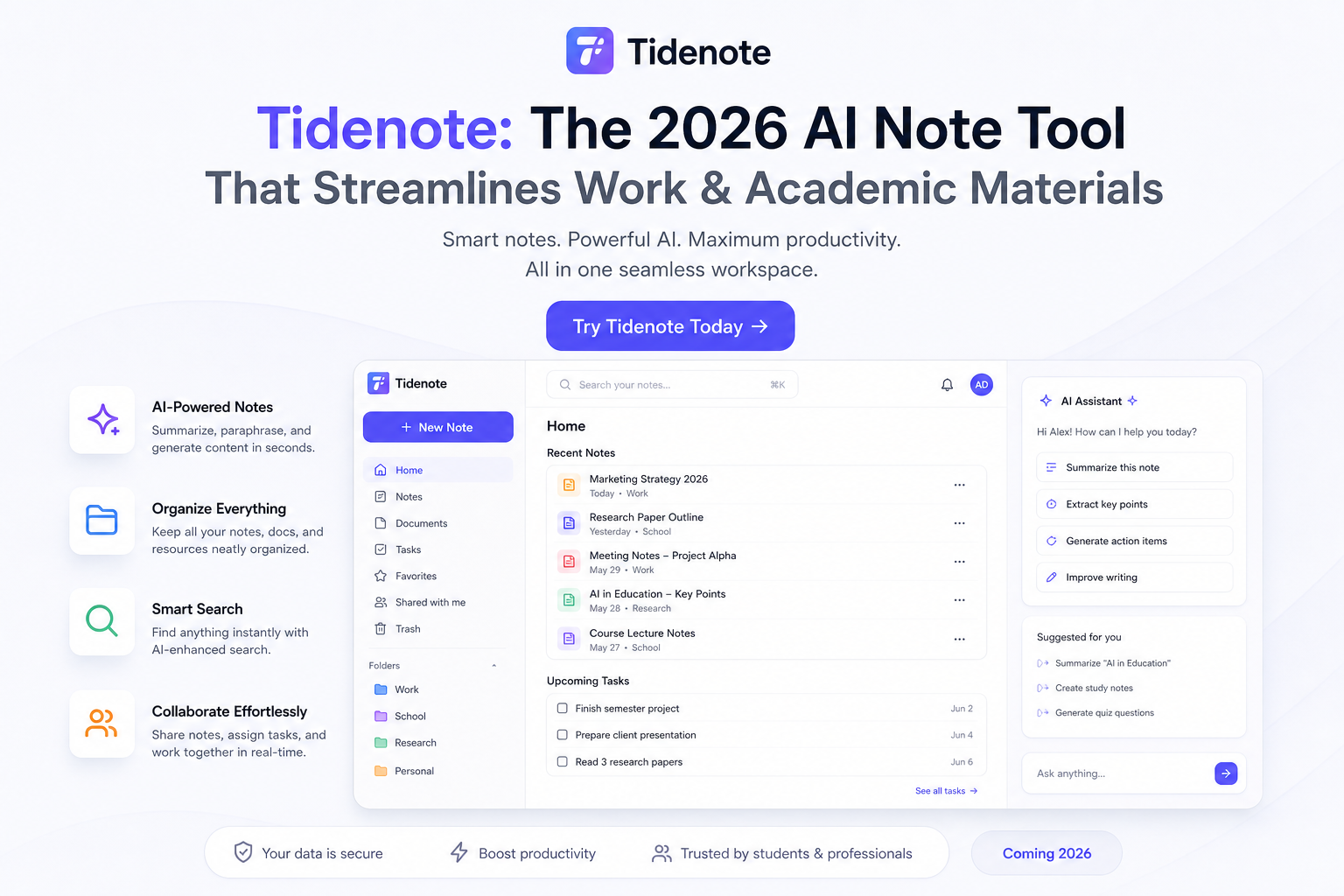
Scenarios where it actually helps
Three cases stood out. First, research reading: I fed Tidenote a PDF of a 12-page academic article. The summary wasn't perfect—it glossed over nuances—but it gave me a solid overview to decide if the full paper was worth my time. Second, class note consolidation: a friend studying online courses used it to combine messy bullet points from three lectures into a coherent outline. She said it was like having a TA organize her notes overnight.
Third, meeting follow-ups: for recurring project syncs, Tidenote's "capture ideas" mode let me type quick thoughts during the call and then auto-organize them into tasks and decisions. No more forgetting what we agreed on.
Tradeoffs worth knowing
The AI summaries are fast but not always reliable for complex topics. When I tested it with a transcript containing technical jargon and conditional logic (think "if X happens, then we proceed with Y, unless Z"), the summary flattened the nuance into a simpler statement. That's fine for broad understanding but risky if you rely on the summary alone for decision-making.
Another limitation: Tidenote works best with English content. Non-English inputs still get processed, but the summarization quality drops noticeably. If your work involves multilingual materials, you may need to double-check accuracy.
Also, the tool assumes you want AI to structure your notes. If you prefer total control over formatting and hierarchy, the auto-organization might feel intrusive. There's no full manual mode—you can tweak, but the AI suggestions stay front and center.
Who should consider Tidenote
If you're a student or professional who processes a lot of written or spoken content and needs fast digestion, it's worth the trial. The time saved on summarizing meetings and readings is real. But if your work demands precise, nuance-sensitive note-taking (like legal briefs or detailed product specs), treat the summaries as a starting point, not a final product.
For anyone who simply wants to cut down the gap between "I heard this" and "I have usable notes," Tidenote delivers. Just keep an eye on its edges.
Comments
Leave a Comment