Have you ever been in a situation like this: a one-hour meeting, but your brain only remembers the first three minutes, and relies on a voice recorder for the rest; a professor lectures so fast in class that looking down to take notes makes you miss the next sentence, and looking up to listen means you can't write much; research materials are overwhelming, reading a long article gives you a headache, and you don't know where to start summarizing.
Most people's solution is to record it first and listen later. The problem is that later often never comes. As a result, recordings pile up, eventually turning into digital junk that is "hard to digest but a pity to discard."
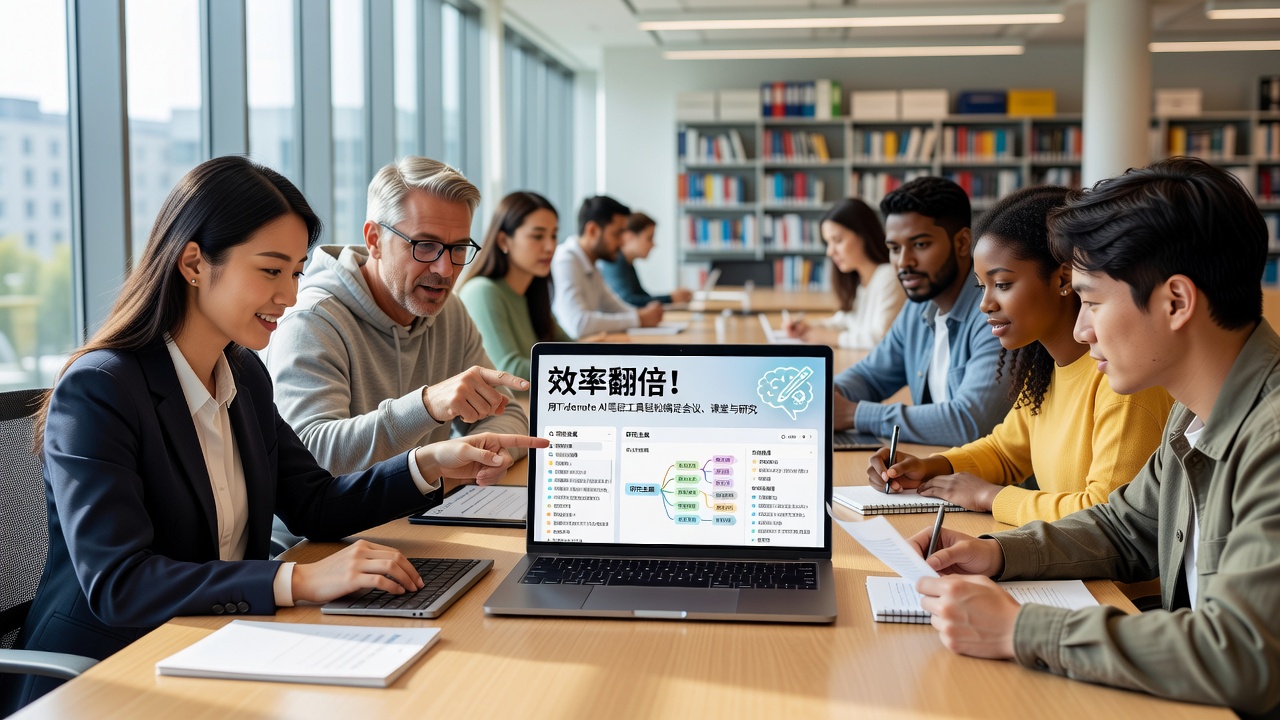
Tidenote What exactly does it do differently?
Simply put, it transforms the "record then listen" step into "read after recording." In meetings, classes, and research scenarios, you open Tidenote to record or import existing audio. It converts speech to text in the background, then automatically extracts key points and organizes them into structured notes. A ten-minute discussion yields a few hundred words summary with timestamps, bullet points, and original conversation snippets.
I tried it for a week, and my biggest takeaway is: it doesn't make you more diligent, but lazier—of course, in a smart way.
Three Real-Life Scenarios, Explained at Once
1. Team Weekly Meeting: From "No One Remembers" to "Everyone Aligned"
Our team holds regular cross-department sync meetings. Previously, someone was responsible for minutes, but whoever did it got tired, and missing details was common. After using Tidenote, we just put the phone on the table to record, and by the end of the meeting we received organized minutes: discussion items, decisions, assignees, deadlines. I replaced the dedicated note-taker and saved time to participate in discussions. However, note that if the meeting room is too noisy or multiple people speak at once, the transcription may have a few missing words or typos—requires a quick scan to correct.
2. University Lecture: From "Frantically Copying" to "Truly Listening"
A friend in graduate school told me that he used to basically not listen in class because he had to copy board notes and PPTs. After using Tidenote, he focused on the screen and listened, occasionally marking key points with the keyboard. After class, opening the notes, concept definitions, case explanations, and professor's emphasized points were clear at a glance. However, he also complained: recognition for teachers speaking dialects is not great, and technical terms are occasionally misspelled, for example, "differential equation" becomes "differential broken." These minor issues don't affect understanding, but perfectionists may need to adapt.
3. Research Papers: From "Reading 100 Pages" to "Grabbing 5 Key Points"
The scenario I use it most for is actually listening to academic lecture replays and interview recordings. For a half-hour podcast-style interview, Tidenote can provide core arguments, data citations, and opposing opinions within 2 minutes. I can't use it to replace verbatim reading because details may be summarized away, but as a "preview text," it helps me decide whether the content is worth a closer look.
Not a Panacea, But It Happens to Solve the Most Annoying Problem
Let's talk about practical aspects. AI note-taking tools inevitably get compared to Otter.ai, iFLYTEK Hearing, or Notion AI. Tidenote's advantage is its higher degree of "note-ification"—it doesn't just convert speech to text and leave it there; it actually organizes it into readable items. The downsides are also clear: it requires a network connection; offline mode is not as expected; the segmentation logic for long Chinese paragraphs occasionally breaks sentences in the wrong places. Additionally, if meeting content involves privacy, you need to confirm whether the cloud storage method is acceptable.
As for who it suits? I think it's these three types of people:
- Office workers who have many meetings but are exhausted by writing minutes
- Students who want to focus in class but fear missing key points
- Researchers who need to quickly digest recordings, videos, and lectures
Who is it not for? If you need court-level verbatim transcription, or you have serious anxiety about uploading data, then for now, raw recordings plus manual work is safer. But if you just want to turn note-taking from a "burden" into a "few seconds" task, Tidenote is worth a try.
A Practical Suggestion
Don't expect it to outsource your brain. Notes still need to go through your own mind to become your own. Tidenote's value lies in saving you the repetitive labor of "listening a second time" or "reading a third time," allowing you to focus your energy on where real thinking is needed. In terms of efficiency and experience, it's already smoother than most similar tools I've used. If you're frustrated with note-taking, give it a week—you probably won't regret it.
Comments
Leave a Comment