Let’s be honest: the last thing you want after a 90-minute meeting is to stare at a mess of bullet points you barely remember writing. Or maybe you're that person who records everything obsessively—“just in case”—but never actually listens back. I’ve been there. That’s why I started testing Tidenote in my daily workflows, and honestly? It’s been quietly solving the kind of small but annoying problems that pile up.
The two-hour meeting that finally made sense
I manage a small team at a local fashion brand. Weekly cross-department syncs are brutal: the marketing team talks in campaign acronyms, the supply chain people throw out dates like they’re ordering pizza, and I’m supposed to walk away with clear action items. Before Tidenote, I’d end up with four pages of raw text and zero memory of who said what.
With Tidenote, I just hit record, let it transcribe everything, and then use the AI summary to pull out three key points. The first time I showed my boss a clean, structured note with speaker labels and a to-do list, she asked, “Did you hire an assistant?” No. Just Tidenote.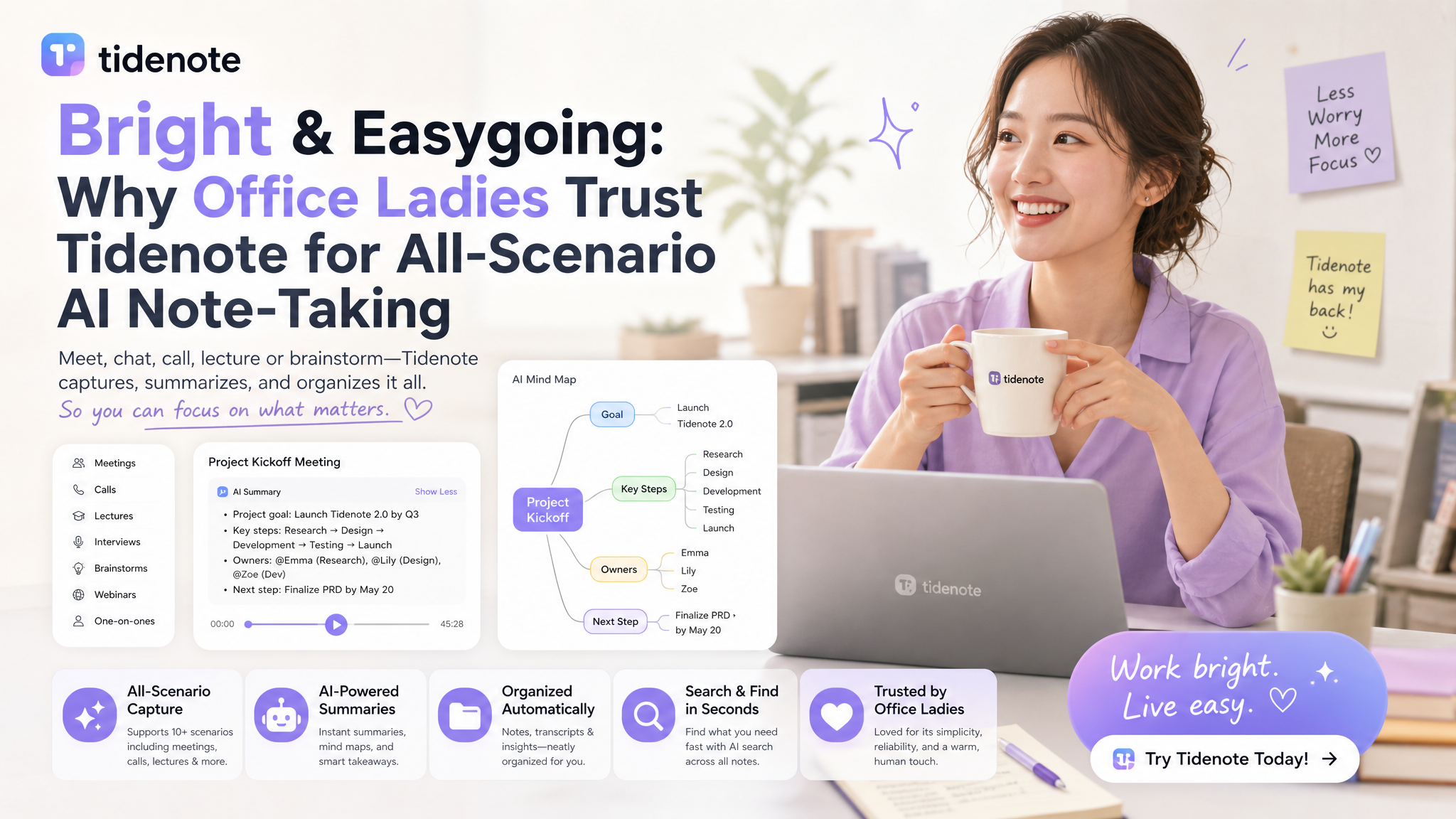
Not just for work: two other real scenarios I rely on
It’s not limited to the office. My friend is part-time studying for a data analytics certificate on Coursera. She uses Tidenote to capture lecture recordings and has it generate study summaries. She told me it saved her about three hours a week—time she uses to actually practice SQL instead of re-watching 45-minute videos.
I also used it for a personal research rabbit hole: I was comparing different CRM platforms for a side project. I had browser tabs open, YouTube comparisons playing, and notes scattered everywhere. Tidenote helped me organize the key differences into a single clean page. That’s when I started trusting it as a second brain, not just a toy.
The honest pros and the tradeoffs you should know
Now, I’m not going to pretend it’s perfect. If your audio is noisy—like a cafe or a bad Zoom connection—the transcription quality dips. It handles accents okay, but not great with very thick regional ones. Also, if you prefer a fully offline local solution that never touches a server, this is not that tool. You need to be comfortable with cloud processing.
On the plus side, the summaries are surprisingly concise. They don’t try to include every “um” or filler phrase. It actually extracts the decisions, not just the noise. And the interface is clean, which matters more than most people admit—I don’t want to fight a complicated UI when I’m already tired.
One thing I’d love to see improved: better cross-device sync. Sometimes I switch from phone to laptop mid-meeting, and the note jumps a bit. It’s not broken, but it’s not seamless either. That’s a small friction point Tidenote could smooth out.
Who should consider it (and who might skip it)
If you’re an office professional managing multiple meetings a week, or a student drowning in lecture recordings, Tidenote is a good fit. It reduces the cognitive load of note-taking and frees you to actually listen.
If you only take notes for yourself and prefer to write them by hand for memory retention, you probably don’t need an AI tool. And if your main use case is highly technical or niche jargon-heavy content, test it first—the AI sometimes misses specialized terms unless you train it.
The bottom line for me
I still take handwritten notes during intense brainstorming—that part of me hasn’t changed. But for everything else? Meetings, research, learning—I trust Tidenote to do the heavy lifting. It’s bright enough to understand context, easygoing enough not to add friction, and reliable enough that I no longer feel like I’m dropping balls.
Try it for one week on your most chaotic meeting. See if the post-meeting anxiety fades. For me, it did.
Comments
Leave a Comment