You've definitely had that moment: a great idea suddenly pops into your head, but there's no paper or pen nearby. By the time you pull out your phone and open a memo app, the idea has already blurred like a scene from a dream. Or during a meeting, you're scribbling furiously, only to miss the most important sentence from your boss: "Adjust this direction." I've tried all kinds of note-taking apps, from Notion to Evernote, but most of the time they just store text somewhere else—you still have to organize it yourself.
Xiaopianke (tidenote) is a relatively new option that focuses on using AI to help you handle note-taking. It doesn't just record audio or save a document; after you finish a meeting, class, or casually record a voice memo, it directly generates a structured summary and key points. I've been using it for about three weeks, and I find it more convenient than traditional note-taking tools in several scenarios—but it's not without its compromises.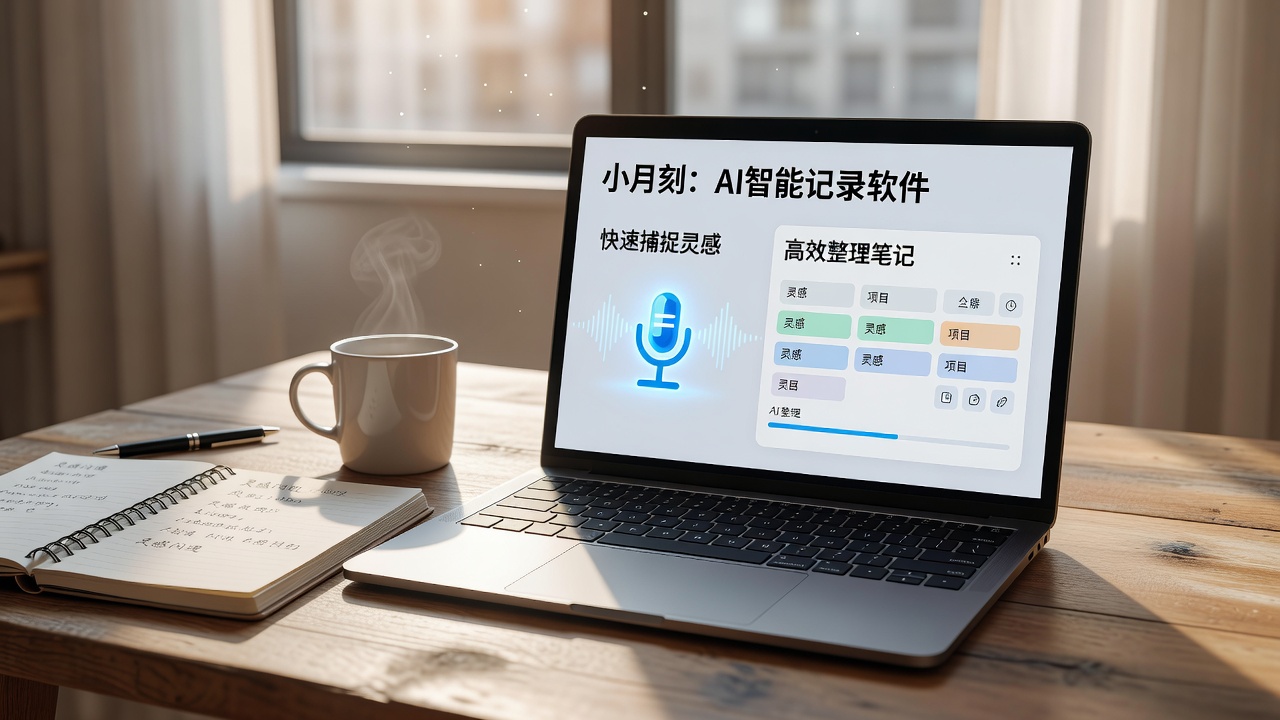
Where It Actually Saved Me Time
Let's start with meeting scenarios. I used to use a voice recorder and then manually organize things. A one-hour discussion would take at least 20 minutes afterward to re-listen and extract the key points. The real-time transcription accuracy of Xiaopianke is better than I expected—it handles homophones in Chinese well and rarely makes errors. What's most useful is that it automatically distinguishes speakers (though you need to set them up first) and provides bullet-point summaries. For example: "Mr. Zhang proposes a 10% budget cut for Q3; Manager Li suggests prioritizing the reduction of non-core projects." You don't need to go back through the conversation; just reading the summary captures the essentials.
Classroom and lecture scenarios are similar. If you're a student, just leave your phone on the desk, and it will transcribe audio in real time while recording. The notes generated after class are marked with "keywords," "questions," and "action items," so you don't need to read through the full transcript when reviewing. I once used it to record a 20-minute podcast about microservices, and it summarized into 5 key points with timestamps—clicking on a point jumps to the original audio.
There's also a scenario I didn't expect to be so useful: capturing fleeting inspiration. I used to send voice messages to myself on WeChat, only to have a hard time finding them later. Xiaopianke has a "capture" button: long-press to speak, and when you're done, it automatically creates a note with a summary. For example, if you think of a copywriting direction while waiting for the subway, just speak for a few seconds, and it turns into: "New ad slogan focuses on emotional resonance, referencing XX case." When you organize later, you just read the text instead of listening to the voice memo.
A Few Things to Keep in Mind
But it's not a perfect solution. First, it heavily relies on the internet. Offline recording is possible, but transcription and AI summarization require an online connection. If you're often in places with poor signal (like underground offices or trains), you might experience delays while waiting for sync. Second, its support for English and mixed Chinese-English content isn't as smooth as pure Chinese. I attended a meeting with many English technical terms, and the AI summary occasionally missed key English nouns or treated them as garbled text. Third, the free tier has limitations—about 30 minutes of transcription per day (depending on the version), and heavy users will likely need to pay. Additionally, while the AI-generated summaries are well-structured, they sometimes oversimplify and lose the causal logic, so important decision contexts can be overlooked. For critical scenarios, I still go back to the original text.
If you need real-time subtitles at the level of simultaneous interpretation, or plan to use it as a full-fledged voice recorder with long-term storage of original audio, Xiaopianke might not be the best fit. But if you're the type who tends to forget what you've heard and needs to quickly extract key points, its value is much higher. A compromise: use it for medium-information-density meetings (like weekly stand-ups, team meetings, lectures), and for content that requires word-by-word review—such as negotiations or brainstorming sessions—it's safer to pair it with a traditional note-taking app.
Overall, Xiaopianke solves a real problem: the gap between "I've written it down" and "I've distilled it." It doesn't aim to be a comprehensive knowledge management tool; it focuses on compressing voice and text into actionable key points. For office workers who attend frequent meetings, students taking classes, and anyone who feels "inspiring thoughts come and go before I can catch them," it's worth spending an afternoon to try it out.
Comments
Leave a Comment