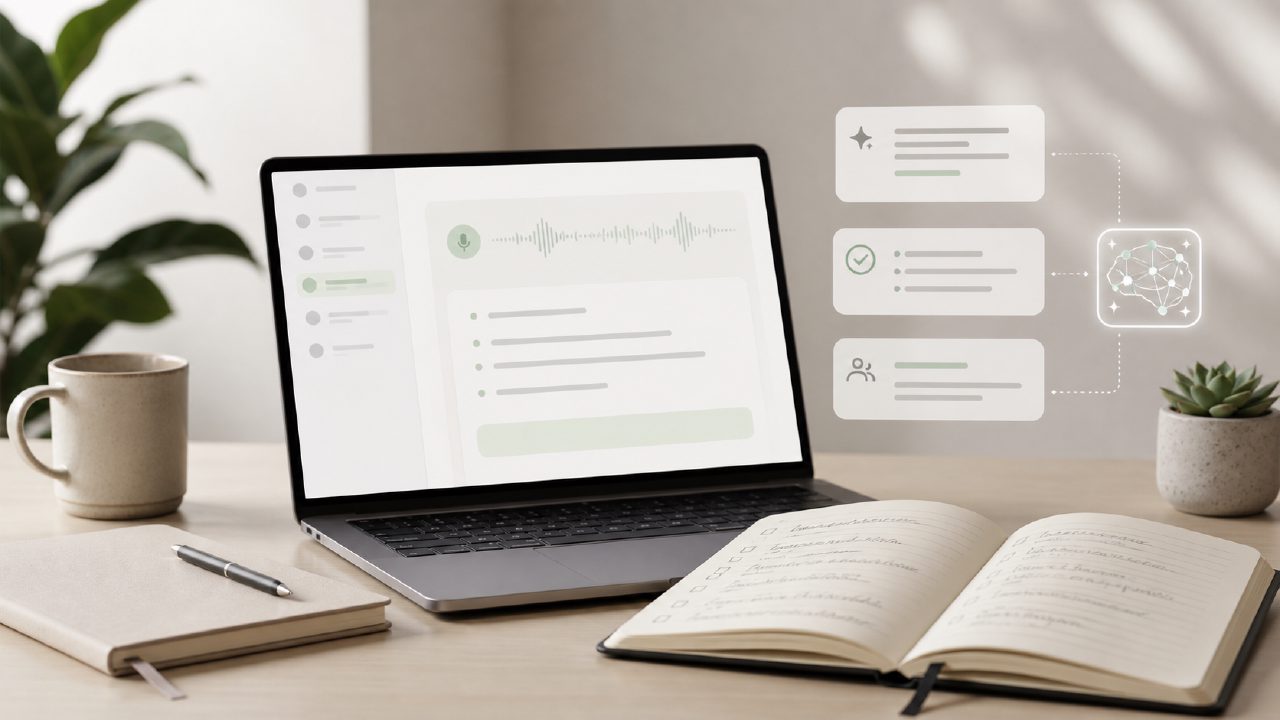
I’ve tried at least half a dozen free ai note taking apps this year, looking for something that could actually save me time after meetings instead of just dumping a wall of text on my screen. Most either oversimplify or hallucinate half the action items. So when I put Thought Journal through a real scenario—a weekly product team meeting with about eight people and a lot of back-and-forth—I went in expecting more of the same. What I found surprised me, but not in a clean, all-good way.
Starting with a concrete meeting
The meeting ran about 35 minutes. I opened Thought Journal on my phone, hit record, and set it to “meeting mode.” The app processed the audio in real time, which I wasn’t expecting at the free tier. After the call ended, I let it sit for a couple of minutes while it generated the full transcript and a summary.
The first thing I noticed: speaker labels were surprisingly accurate. Even with overlapping talk, it caught who switched topics. That’s rare in free ai meeting notes apps—most mash everything into one blob. I manually compared the output against my own quick notes taken in a separate Notes app, and the AI missed one key nuance about a deadline shift. Not a dealbreaker, but worth knowing if you rely on it for strict action assignments.
Step‑by‑step: using the summary and editing
After the meeting, I tapped the “summarize” button. The ai meeting summarizer free feature gave me a clean three‑paragraph breakdown with bullets for decisions and owners. I liked that I could click any summary line and see the corresponding transcript section—that was faster than scrolling.
But I also noticed the summary stripped out a subtle hesitation in the discussion. A teammate had said “it depends on X, but maybe Y is safer,” and the AI condensed that to a single line favoring Y. That’s the kind of tradeoff you live with in an AI tool: speed comes at the cost of nuance. I edited the bullet manually, which took maybe 20 seconds.
Organizing notes and linking ideas
One feature that felt genuinely useful was the Journal tab. Over a week, I used it to collect notes from three separate meetings and two research sessions. Each entry got tagged automatically with the date and source type. I could also add cross‑links using something called Anchor Text—basically turning a phrase into a clickable link to another note. That let me connect the product meeting outcome with a research note from the previous day. It’s not a full wiki, but for a solo knowledge worker it’s better than digging through folder structures.
There’s also a quick‑share feature labeled 小片刻. I’m not entirely sure if it’s a translation or a branded widget, but it exports a condensed snapshot of the meeting summary (about 150 words) that I can paste into a Slack channel. Handy for stakeholders who don’t need the full transcript.
Where it feels a bit unfinished
I compared the raw transcript quality against beanly, another tool I had tried a month earlier. Both have similar accuracy, but Thought Journal’s free version capped my recording at 30 minutes per file. That meeting was 35 minutes, so I had to stop and restart. It’s a mild friction and one you should check if your meetings regularly run long. The tidenote engine—which seems to power the transcription—handled the first 30 minutes well, but the split made the final summary slightly disjointed until I manually merged the two outputs.
The app also struggled with department jargon. We use “sprint velocity” a lot, and once it heard “spring velocity,” changing that took a moment. Not a huge problem, but if you work in a field full of acronyms or unusual terms, plan on a quick proofread afterward.
Who should try it and what to watch for
If you’re looking for an ai note taking app free that actually produces a usable meeting summary without a subscription, Thought Journal is worth a serious look. The editing is straightforward, the linking with Anchor Text feels more intentional than most alternatives, and the Journal view keeps everything in one timeline.
But I wouldn’t call it foolproof. For critical meetings where every nuance matters—like contract negotiations or technical debriefs—I still keep a physical notebook open. The AI misses the “maybe” and the “wish we had time to X.” That said, for recurring team syncs, brainstorming sessions, or research reading, it’s fast enough and accurate enough to become a regular tool. Just leave an extra few minutes to catch the things the summary decided weren’t important.
Comments
Leave a Comment