I've tried too many note-taking tools. From Notion to Obsidian, from Mubu to Flomo, each one claims to "change your recording habits." In the end, I found that the tools you actually stick with are often the ones that don't work against you.
Tiny Moments (tidenote) is one such tool that caught me by surprise. Its logic is simple: you speak, and it organizes for you; you throw in a bunch of fragmented information, and it spits out a usable summary.
You're typing frantically during a meeting, and then your boss says, "Who took the meeting minutes?" — your blood pressure spikes. In that scenario, Tiny Moments truly comes to the rescue.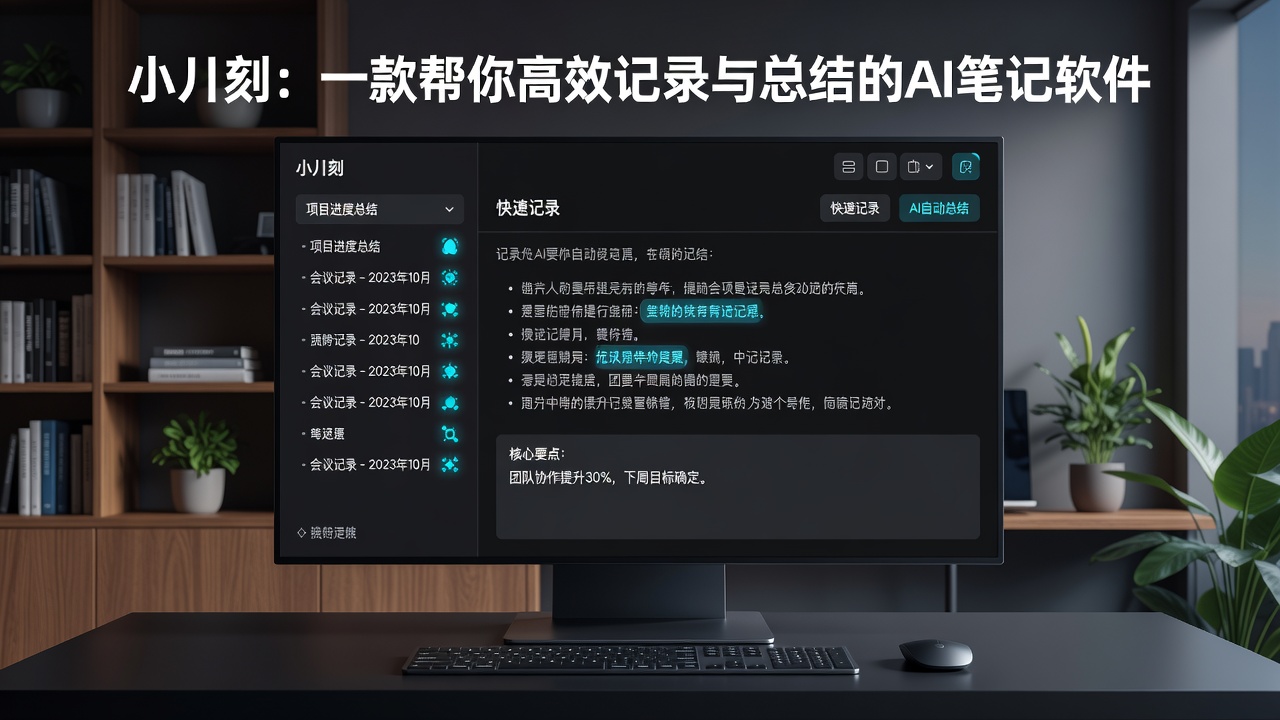
Classrooms and Meetings: It Really Understands
I tested it in two real scenarios. One was a two-hour startup team weekly meeting, and the other was an online product course live stream.
For the weekly meeting, I first recorded the audio on my phone, then imported it into Tiny Moments. In the AI-generated meeting minutes, key actions like "adjust the conversion funnel next week" and "confirm client budget with business team" were pulled out separately. It wasn't a verbatim transcript; it actually extracted the highlights. For the live course, it was even simpler — I just pasted the replay link, and it processed it, organizing the instructor's logical framework into bullet-point notes.
If you often attend online sessions or remote meetings, this step alone can save you at least half an hour of re-organizing time.
Fragment Organization: Not Copy-Paste, But Secondary Processing
Most people use note-taking software not for "taking notes" but for "saving." They copy a good paragraph in, and it's stored away, never to be seen again. Tiny Moments takes a different approach — it encourages you to do secondary processing on a piece of text.
For example, if you copy an article about "user retention models" into the app, it doesn't just store it dumbly — it immediately pops up a "summarize" option. You tap it, and a 3000-word text instantly becomes a 200-word summary. This feature is very practical for researchers — you don't have to reread the original text to extract the key points.
But there's a catch: the accuracy of its summary depends on the structure of the original text. If your original text is itself a heap of fragmented information, the AI-generated summary will be a bit "scattered." It's not a panacea; you need to ensure the quality of your input first.
Who Benefits Most
After two weeks of use, I have a clearer picture of its positioning.
If you're a student, using it to organize class notes is far more efficient than traditional handwritten notes. Especially in mixed scenarios of slides and speech, it covers most needs. If you're a professional, it's a great tool for meeting minutes and weekly report material gathering.
But if you're used to using note-taking software for "long-term knowledge management," like building a second brain or writing in-depth research notes, Tiny Moments might not be suitable as your sole tool. Its strength lies in real-time organization and quick summarization, not long-term knowledge repositories. You'll still need a traditional note-taking tool to store content you truly want to revisit over time.
Also, it currently handles English content slightly better than Chinese. Occasionally, Chinese sentence breaks may seem odd, but it doesn't affect overall understanding. The update frequency is quite high, so improvements should come gradually.
If You're Looking for a Tool That Makes Decent Notes Without Much Effort
Tiny Moments isn't a tool that makes you spend an hour setting up a system and another hour writing a methodology. It's ready to use — record an audio, paste a link, drop in some text, wait a few seconds, and it gives you a version you can directly send or save.
It does a tighter job than most note-taking software in the transition between "listening" and "writing." Imagine wrapping up a meeting and immediately posting minutes on Slack — it feels pretty good.
Comments
Leave a Comment