Most note apps are built for structured productivity—project plans, meeting minutes, to-do lists. But what about the random stuff? The weird dream you want to remember, the half-baked plot for a short story, or the rambling voice memo you recorded while walking the dog. Traditional apps just let these fragments rot in an "Uncategorized" folder. That's where the idea behind Lovely Beanly Notes comes in. Built by the team at tidenote & 潮记, Beanly is designed to catch your messy, unstructured thoughts and use AI to make sense of them, keeping your silly little stories safe instead of letting them slip away.
How Lovely Beanly Notes Captures the Chaos
The core pitch of Beanly is speed and low friction. You don't need to format anything before hitting save. I tested this by dumping a two-minute voice rant about a random idea I had for a sci-fi short story into the app. Normally, transcribing and cleaning that up would take ten minutes of tedious typing. Beanly processed the audio, transcribed it, and spat out a surprisingly accurate three-bullet summary of the core plot points. It stripped out the "ums" and "ahs" but kept the actual narrative beats.
For classes or research, this same mechanic handles dense lecture recordings or long interview transcripts, pulling out the key takeaways in seconds rather than requiring you to scrub through audio manually. The AI does the heavy lifting of finding the signal in the noise, which is exactly what you need when your input is chaotic.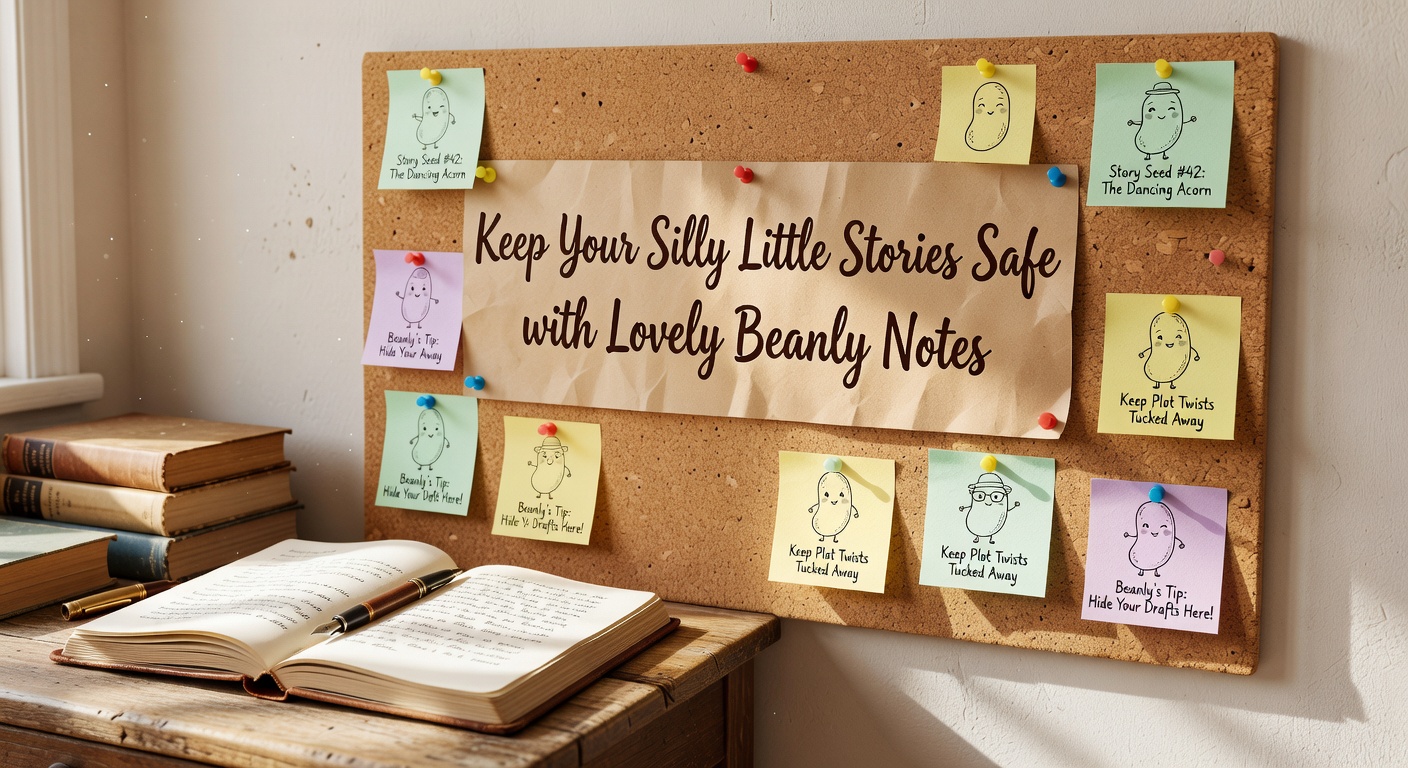
The Summarization Tradeoff with Beanly
Here is the catch with relying on AI to organize your brain: summarization inherently flattens tone. When Beanly condenses a long meeting, that efficiency is exactly what you want. But when it summarizes a "silly little story" or a personal reflection, the AI can sometimes sand off the quirky edges that made the thought worth saving in the first place. You get the clean, logical core, but you might lose the rambling charm of the original voice memo.
Beanly does keep your raw text or audio stored alongside the summary, so you can always dig back into the messy source material. Still, you have to remember to check the original, because the summary becomes the default way you interact with that note later on. If you rely purely on the AI's condensed version, your original voice might slowly erode over time.
Is Lovely Beanly Notes the Right Vault for Your Thoughts?
Deciding if Beanly fits your workflow means looking at how you currently handle information. If you are someone who spends hours building elaborate folder structures in Notion or Obsidian, and you love manually tagging every entry, Beanly might feel too hands-off. Its AI-driven organization takes the wheel, which is great if you hate organizing, but frustrating if you want strict control over your taxonomy.
On the flip side, if you are a chronic Apple Notes or Google Keep user with a graveyard of unsorted text dumps, Beanly is a massive upgrade. It acts as an active participant in your note-taking, doing the cleanup work you never get around to. Compared to tools like Otter.ai, which focus heavily on corporate meeting transcription, Beanly feels a bit more versatile for personal, creative, or academic use. It handles everything from research PDFs to random story snippets without forcing a rigid business context onto them.
Most of our thoughts don't arrive neatly packaged. They show up as messy, disjointed fragments that usually get forgotten by the next afternoon. Lovely Beanly Notes works because it stops trying to force you into a rigid productivity system. Instead, it meets you where your brain actually operates—in the chaotic middle—and uses AI to pull structure out of the mess. It won't magically turn every rambling voice note into a masterpiece, but it will ensure your silly little stories and scattered ideas are actually captured, readable, and safe from the void of the uncategorized folder.
Comments
Leave a Comment