Taking notes on a laptop during a fast-paced lecture, then trying to review them on your phone during the commute, only to find the sync failed or the formatting broke—that frustration is universal. Finding the best cross-platform note app for students usually means compromising somewhere: either the sync is clunky, or the AI features feel bolted on. Beanly takes a different swing at this, focusing on making the AI actually useful for academic workflows rather than just giving you a blank page that syncs.
How Beanly Handles the Lecture Chaos
Instead of manually typing every word, Beanly leans heavily into its AI engine. In a 90-minute sociology seminar, I just hit record. The app captures the audio and spits out a structured summary seconds after the professor stops talking. It pulls out key arguments and action items, which saves you from deciphering your own frantic bullet points later. You still get the raw transcript if you need to verify a specific quote, but the generated summary gives you a clean starting point for studying.
It’s not just for live audio, either. When pulling a dense 30-page PDF of a research paper into the app, Beanly compresses the methodology and findings into a few readable paragraphs. You obviously still need to read the full text for deep analysis, but having a first-pass summary cuts the initial orientation time down significantly. It helps you figure out if a source is relevant before you commit an hour to reading it.
Why Beanly Works as a Cross-Platform Note App for Students
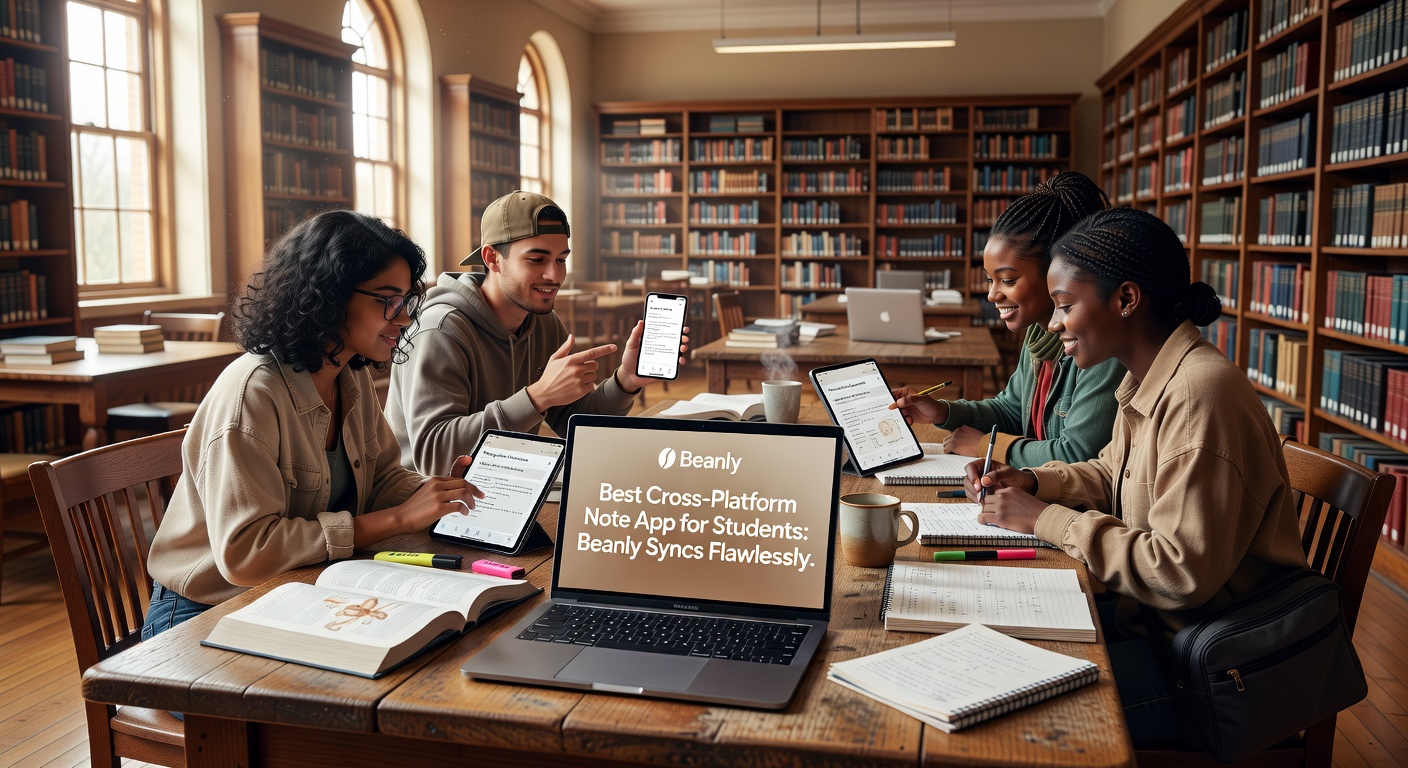
The real selling point here is how Beanly handles the transition between devices. Moving from taking notes on a Windows laptop in the library to reviewing them on an iOS device on the train usually feels seamless. Changes made on one screen appear on the other almost instantly, without the version conflicts or loading lag you sometimes see in heavier apps like Notion when switching platforms.
Because the AI processing happens server-side, you aren't waiting for your tablet to churn through a long transcript locally. The summary is already waiting for you when you open the app on your secondary device. This is a subtle but crucial detail: the cross-platform experience doesn't just mean your files exist on multiple devices, it means the heavy lifting is already done before you switch screens.
Tradeoffs and Who Should Look Elsewhere
Beanly is purpose-built for capturing and summarizing information, which means it sacrifices some flexibility. If your workflow relies on intricate databases, linked tags, or complex property fields to track assignments, you’ll find Beanly too flat. It doesn't try to be a project manager or a personal wiki. Apps like Notion or Obsidian still win if you need to build a highly structured knowledge web with backlinks and custom views.
Similarly, if you prefer handwriting notes with a stylus on a tablet, Beanly isn't set up for that. It assumes your input is text or audio. For handwritten capture, GoodNotes or Notability remain the better choice, though you lose the AI summarization. The AI summaries in Beanly can also occasionally miss context-specific academic jargon. You'll want to double-check specialized terms before relying on the generated notes for an exam.
Where Beanly Fits
Beanly isn't trying to be an everything-app, and that’s what makes it a strong contender for the best cross-platform note app for students. It focuses on the hardest part of academic note-taking: extracting the actual meaning from hours of lectures and piles of reading, and making sure those summaries follow you across your devices without friction. If your main goal is spending less time formatting and more time understanding the material, it’s a solid, focused tool to keep in your rotation.
Comments
Leave a Comment